
Free UK Food Scanner, Diary, and Nutrition Tools. No Signup Required.
Scan a barcode to see what is really in your food, log meals without an account, save your recipes, and build a shopping list. All in your browser, all free, no app to install, no data leaving your device.
What is the catch?
There is not one. Every tool on the site is free, with no
signup, no subscription, and no premium tier. Diary entries,
saved recipes, shopping list items, and your scan history all
live in localStorage in your browser. No account
is created and no server has a copy of anything you log.
If you want a backup, every tool exposes a JSON export. If you want to move to another device, import the same JSON on the new one. The trade off is that the data is tied to your browser on each device, so clearing browser data for the site clears the records too. We think that is fair given you never have to manage an account.
Tools
Four free tools that work alongside each other. No account needed and no data leaves your device.
Food Insight
Scan a product barcode with your camera, or type one in. Food Insight returns a nutrition verdict from Excellent through to Avoid, flags any additives of concern, shows the level of processing, and suggests healthier alternatives in the same category. The full ingredient list, allergen flags, and per 100 g nutrition table are all there too.
Open the free UK barcode food scannerMy Food Diary
Log single foods or build composed meals from multiple ingredients. The diary tracks daily and weekly totals for calories, protein, carbohydrates and fat. Saved meal templates and quick log shortcuts make repeat days fast, and barcode scans drop straight into the form pre filled.
Open the free food diaryMy Recipes
Save your favourite recipes with ingredients, cooking instructions, photos and per portion nutrition. Cooking mode keeps the steps in front of you while you cook. Share by QR code, print, or file export.
Open recipe storage with cooking modeMy Shopping List
Build a shopping list from anywhere on the site. Add from the diary, from scan results, from encyclopedia entries, or by typing. Camera barcode scan works directly from the list.
Open the shopping list with barcode scannerFive basics worth knowing
Eating well day to day is mostly about the basics done consistently rather than any one perfect food. The five things below come up again and again across UK NHS guidance, the Eatwell Guide, and SACN reports.
- Five a day. Aim for at least five 80 g portions of fruit and vegetables daily. Frozen and tinned both count, and a portion of pulses can take one of the slots.
- Fibre. The reference target is 30 g a day for adults, mostly from whole grains, pulses, fruit and vegetables. Most UK adults sit at around 18 g.
- Free sugars. No more than 5 percent of daily energy intake, roughly 30 g for adults and less for children. Fruit eaten whole does not count toward the cap; juice and honey do.
- Salt. No more than 6 g a day for adults. Most of it in the typical UK diet comes from processed and packaged foods rather than the salt shaker.
- Fish twice a week. Two portions of fish, one of which is oily. Tinned and frozen are good enough to count.
Each of these slots into the diary chart and the Food Insight verdict in some way, so you do not have to track them yourself.
UK guidance built in
Food Insight uses Nutri-Score, NOVA processing groups, and Eco-Score from Open Food Facts as inputs to its 0 to 100 verdict. Additive concerns are written from EFSA, IARC, and FSA wording. The Food Diary follows the Eatwell Guide language for macro names. Encyclopedia introductions cover NHS recommendations in plain English: the 70 g daily cap on red and processed meat, two portions of fish a week, the 5 percent ceiling on free sugars.
Every figure on this site is sourced from USDA SR Legacy, EFSA, IARC, or the UK Food Standards Agency. No influencer guesswork, no marketing fluff. None of it is medical advice; it is reference for cooks and shoppers making everyday decisions.
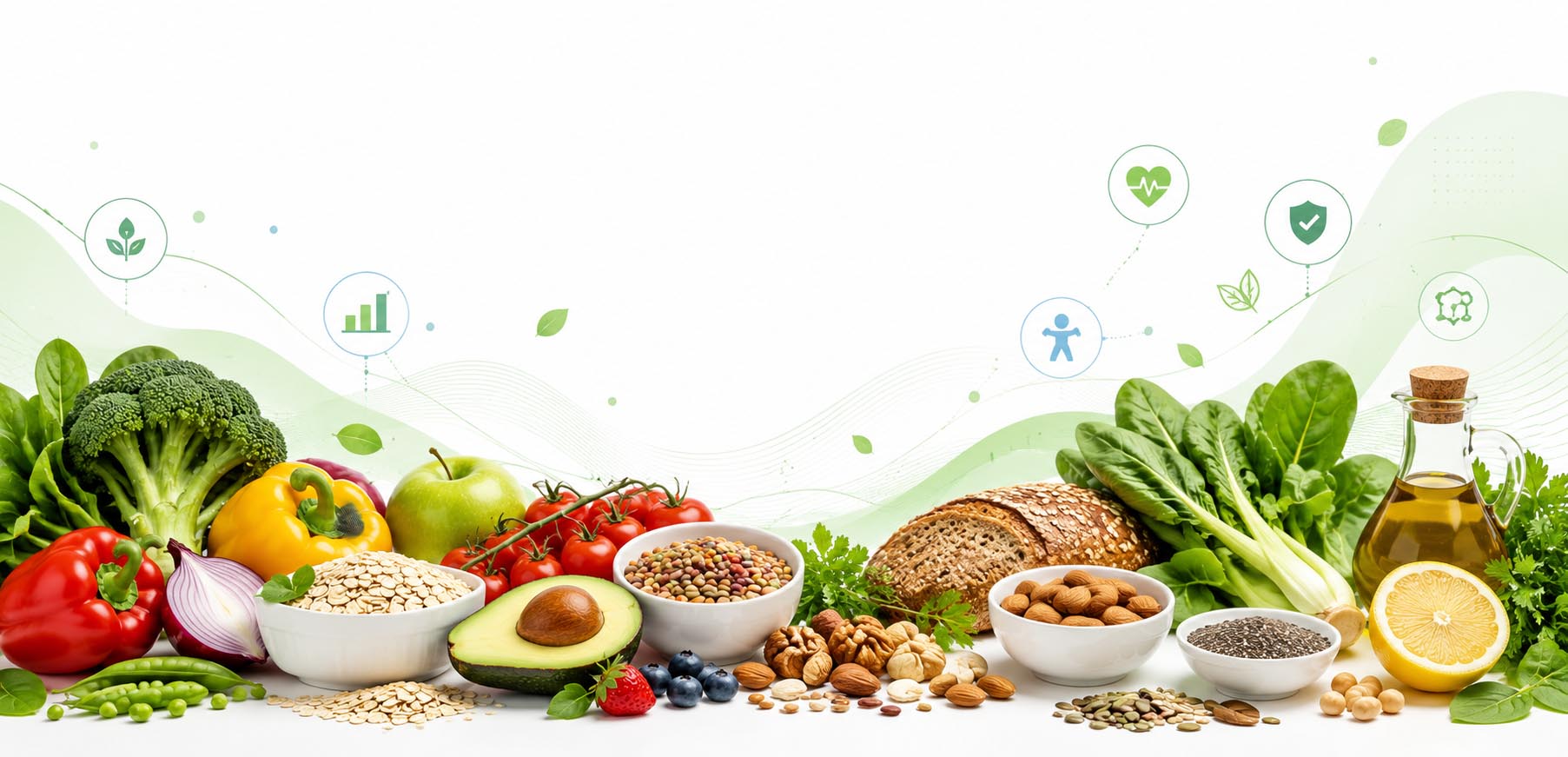
Food Encyclopedia
Reference pages for whole foods, ingredients, and food additives. Per 100 g nutrition is sourced from USDA SR Legacy. Editorial notes on storage, UK seasonality, and health benefits sit alongside the data where available.
- UK foods hub Browse every category from one landing page
- UK Fruit Seasonality, storage and per-100g nutrition for UK fruits
- UK Vegetables Common UK vegetables with vitamins, minerals and prep notes
- Red Meat and Game Beef, lamb, pork, venison: cuts, calories and saturated fat
- Poultry Chicken, turkey, duck and goose with cooking temperatures
- UK Fish and Seafood Oily fish, white fish, shellfish with omega 3 content
- Dairy products Milks, cheeses, yogurts and butters with calcium content
- Eggs Whole egg, white and yolk: complete protein and choline
- Grains Rice, oats, wheat and quinoa with fibre and gluten notes
- Pulses and Legumes Lentils, chickpeas and beans for plant protein and fibre
- Nuts and Seeds Healthy fats, plant protein and minerals per 100g
- Herbs and Spices Antioxidant content and flavour notes for UK kitchens
- Oils and Fats Olive, rapeseed, butter, lard: fatty acid profile and smoke points
- Sweeteners Sugar, honey, syrups and stevia with calorie content
- Fruit Benefits Health benefits of common fruits, with research notes
- Food Additives (E numbers) EFSA-cited concerns for the well known E numbers
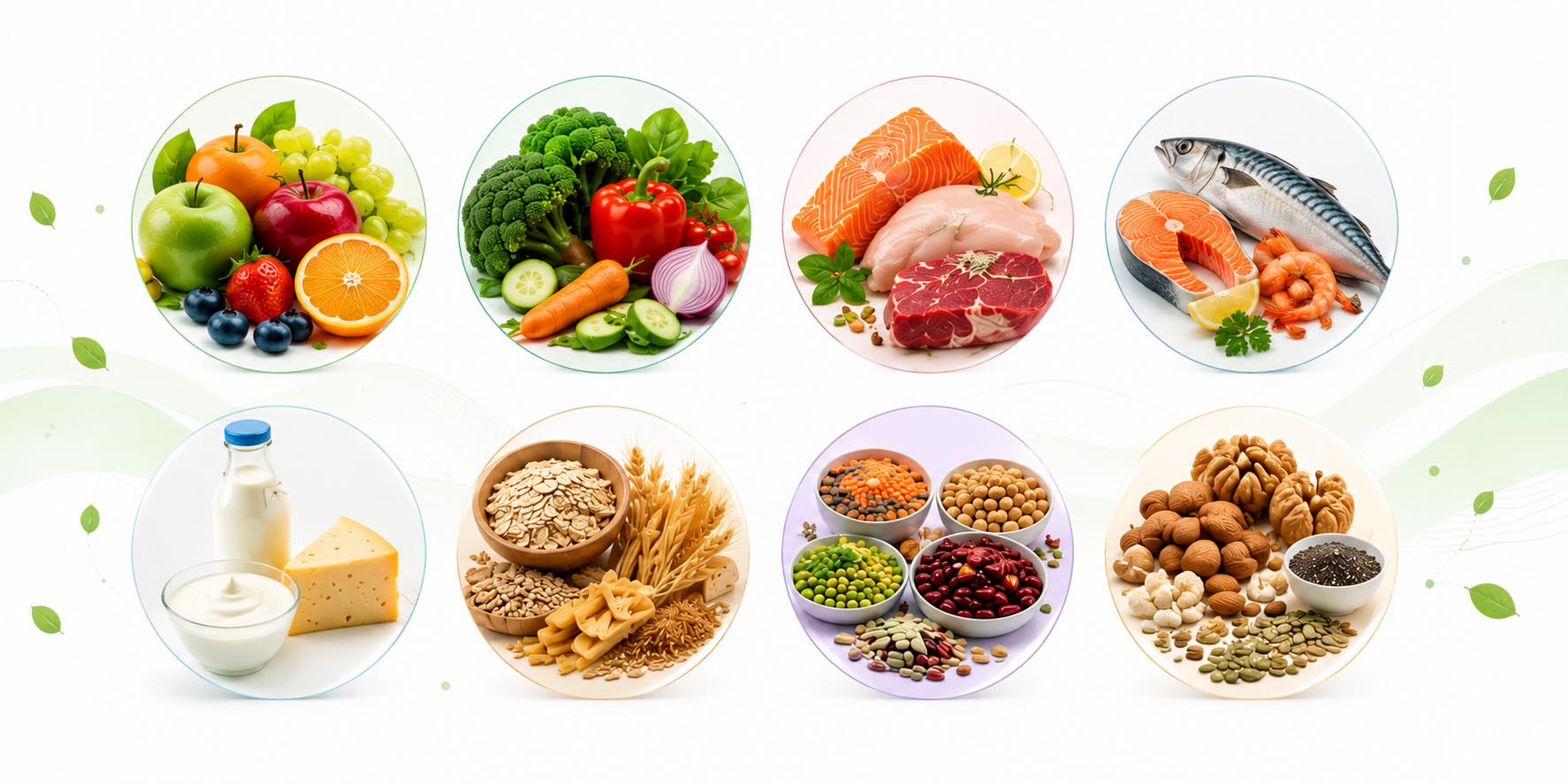
Health & Nutrition Articles
Long-form, evidence-based articles on diet and health, written for UK shoppers. Each one sets out what the research actually says, where the certainty is high, and where it is still developing.
- All articles Browse the full Health & Nutrition section from one landing page
- Whole Foods Why every diet pattern linked to longer life is built around them
- Ultra-Processed Foods Why over half of UK calories come from UPF, and what the research links it to
- The Eatwell Guide The UK government's official healthy eating model, explained plainly
- Reading Food Labels Traffic lights, reference intakes, ingredient lists, and what claims really mean
- Sugar & Free Sugars UK adults eat double the SACN limit. Where it hides and how to cut back
- Salt and Sodium 75% of UK salt comes from processed food. The 6g limit and where it goes
- Dietary Fibre Only 4% of UK adults meet the 30g target. Why it matters and how to close the gap
- Protein How much you actually need, plant vs animal, and the older-adult gap
- Omega-3 & Omega-6 The seed oil debate, oily fish, and why algae oil matters for vegans
- Gut Health and the Microbiome 38 trillion microbes, the gut-brain axis, and the 30 plants a week idea
- Anti-Inflammatory Diet Chronic inflammation underlies most chronic disease. The foods that reduce it
- Food & Mental Health The SMILES trial, the gut-brain axis, and what nutritional psychiatry shows
- Plant-Based Eating Health benefits, nutrient gaps, and what every vegan and vegetarian needs to know
- Children's Nutrition 66% of UK teenagers' calories come from UPF. What kids need at every age
- Organic Food: Is It Worth It? Pesticides, animal welfare, environment, and the honest cost-benefit picture
Common questions
Is Nourishment for Life really free?
Yes. Every tool on the site is free, with no signup, no subscription, and no premium tier. We do not sell your data because nothing is sent to a server in the first place. The site is supported by occasional display ads, nothing more.
Do I need to create an account to use the food diary?
No. The food diary, recipes, shopping list, and scan history all live in your browser via localStorage. There is no account system, no login, and no server-side storage of your records.
Where does the nutrition data come from?
Per 100 g nutrition for whole foods is sourced from USDA SR Legacy. Branded product data comes from Open Food Facts. Additive concern levels reference EFSA, IARC, and UK Food Standards Agency assessments. None of it is influencer commentary or marketing copy.
Can I use this site offline?
Mostly. Because the diary, recipes, and shopping list live in your browser rather than on a server, they work fully without an internet connection. Barcode scans need a connection only on first lookup; results are cached locally for 24 hours afterwards.
How do I move my food diary to another device?
Each tool exposes a JSON export option. Download your data on the original device, then import the JSON file on the new one. Diary entries, saved recipes, and shopping list items all survive the round trip with full fidelity.
Why don't you store my data on a server?
Most of what people log is private, mundane, and only useful to them. Keeping it in your browser means there is no breach risk, no account to manage, and nothing for us to charge you for. You stay in control of your data and we keep our hosting bill small.
Does the barcode scanner work with all UK supermarkets?
Coverage depends on the underlying Open Food Facts database, which has strong coverage for the major UK supermarket chains and brands. If a product is not found, the scanner offers a direct link to add it to OFF so it appears next time. Coverage improves week by week as the OFF community adds entries.
How is the Food Insight verdict score calculated?
The 0 to 100 score combines three weighted inputs: Nutri-Score (60 percent), NOVA processing group plus any concerning additives (35 percent), and Eco-Score (5 percent). The verdict tier from Excellent through Avoid is then derived from that score. Concerning additives draw on a curated list backed by EFSA, IARC, and FSA references.
Ready to start?
No signup, no app to download. Free, forever.